
Description
The Design Studio · for designers · Excel workbook
The problem
E-design is sold by the room at a fixed fee and then paid for in hours nobody counted: the fourth revision, the sofa that sold out, the client who measured the wrong wall.
The shopping list lives on a page nobody can update, the return window on the rug closes without anyone noticing, and the fixed fee that looked generous in March turns out to have paid less than the babysitter.
What changes after you use it
Date the measurements in and the book tells you when the concept is due and when a revision is late. Rounds past the number you include are flagged, so extra work is billed or chosen, not drifted into.
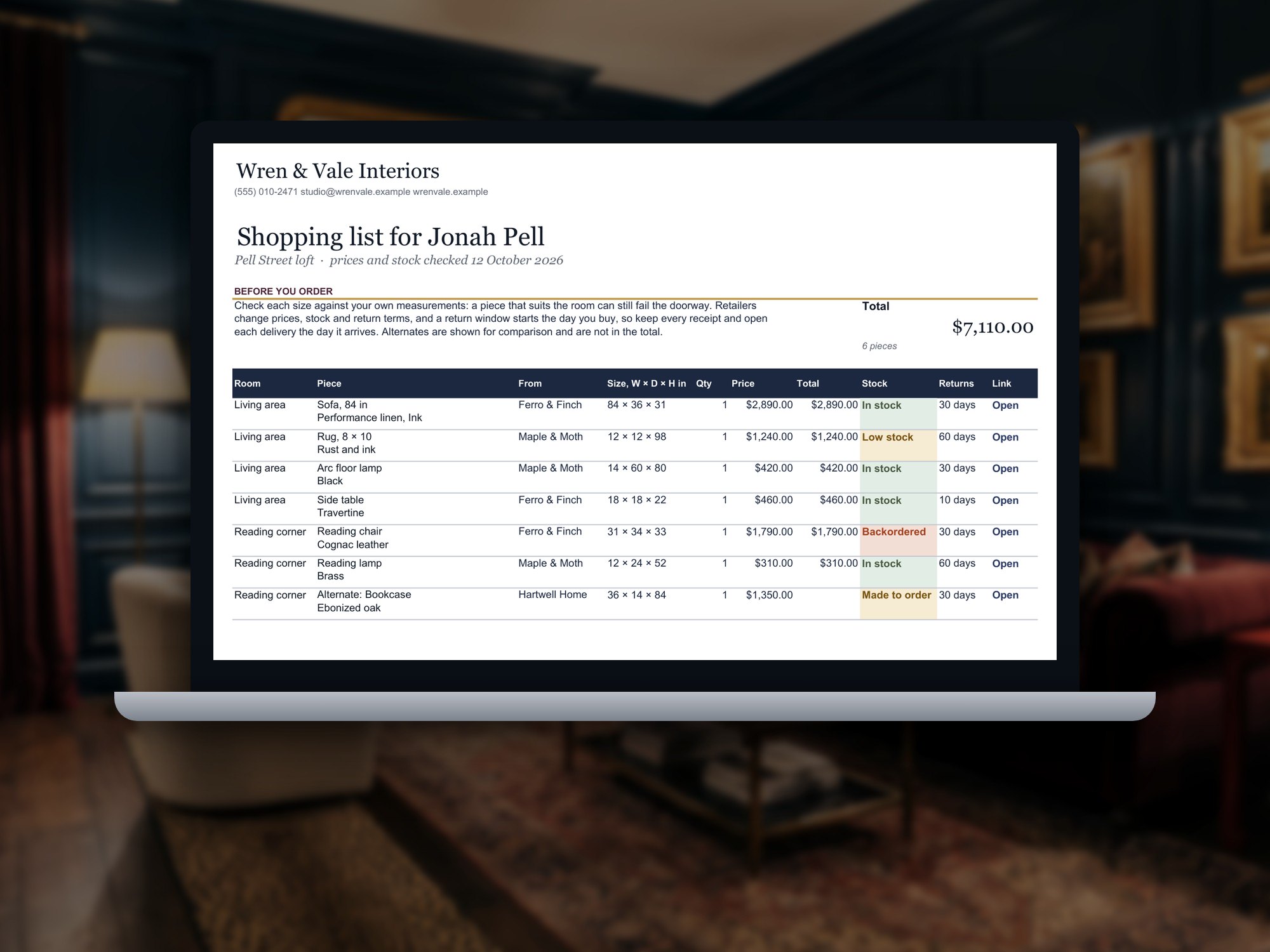
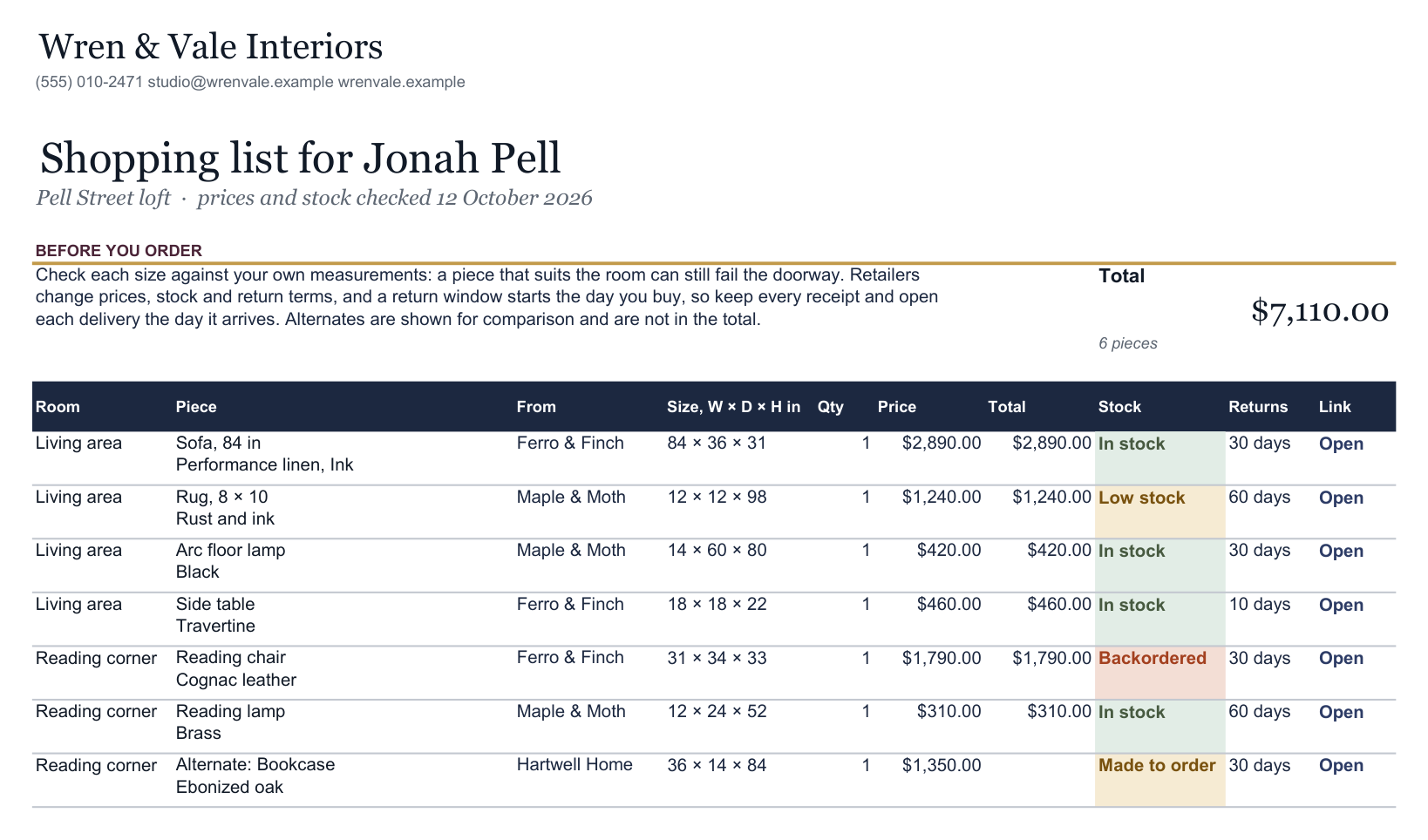
Every piece on the shopping list carries its size (checked against the client's way in), its stock, its return window and its link. The Shopping List prints it for the client; the E-Design Board shows every room in progress and every return window closing this week.
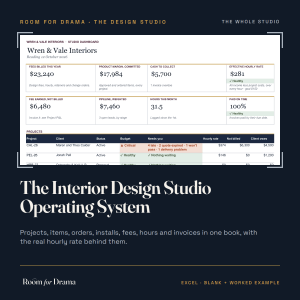
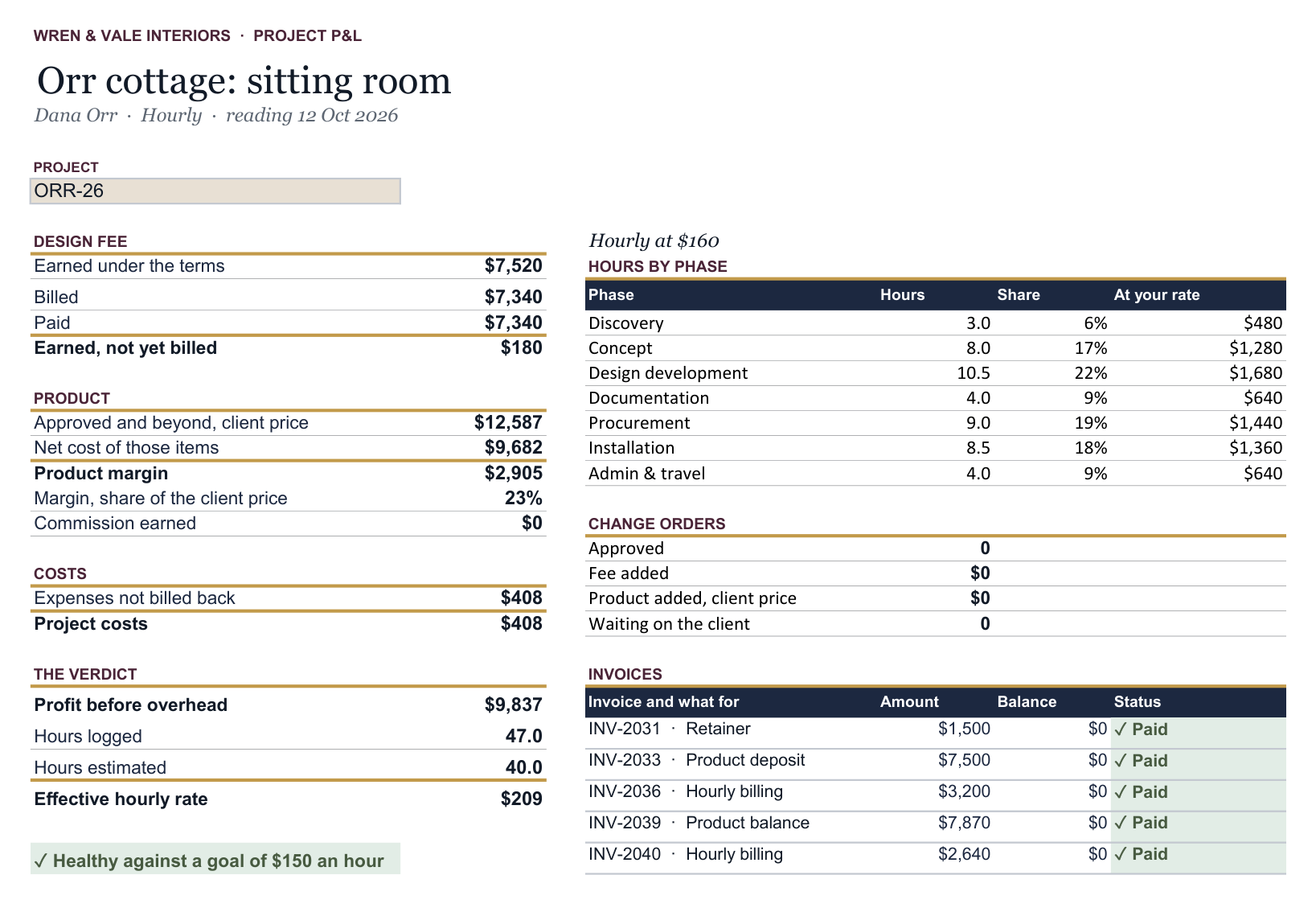
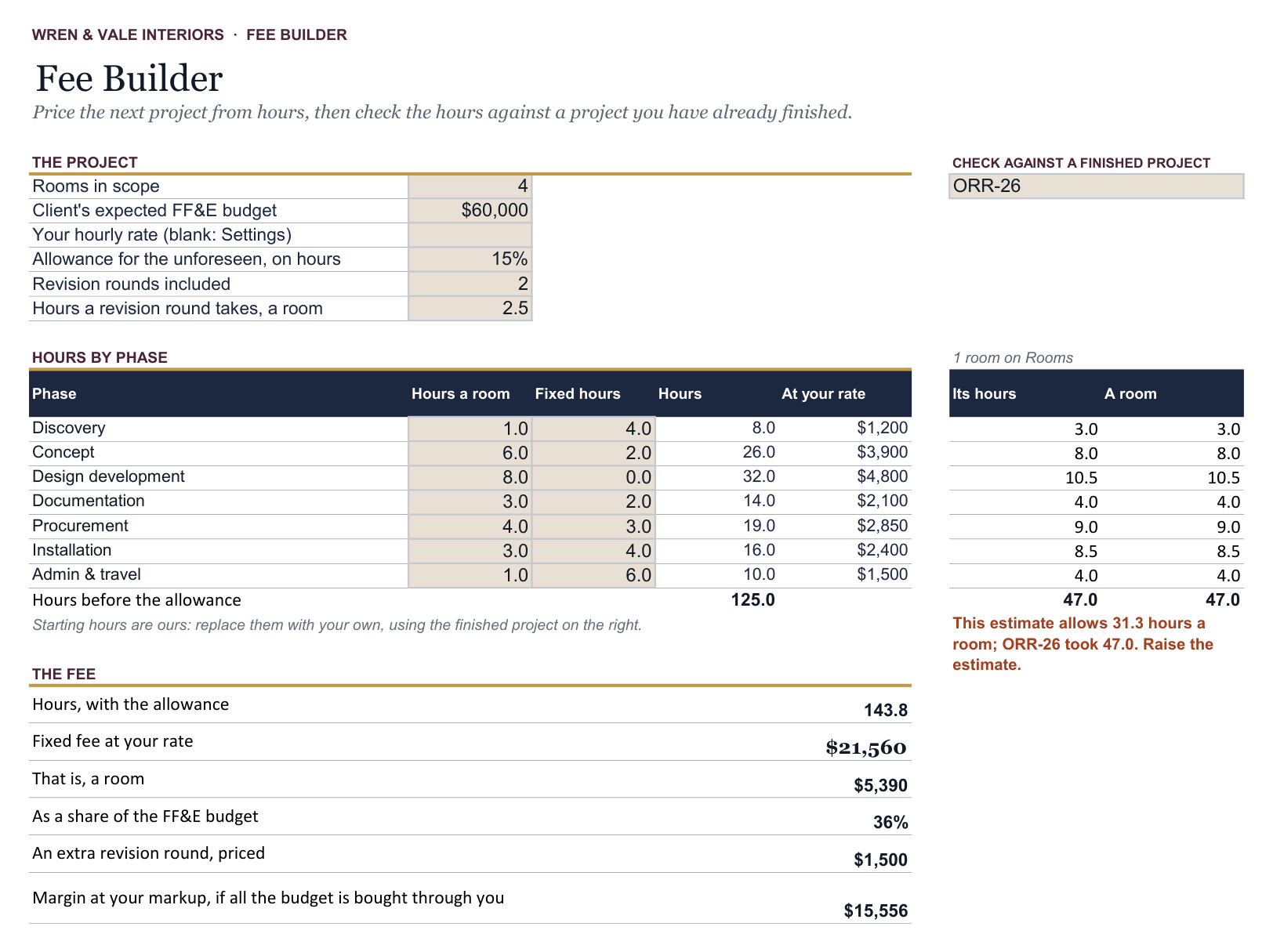
Log hours by phase and invoices as you go, and each project's P&L shows fees, commissions, costs and the effective hourly rate. The Fee Builder prices the next room from the hours the last one really took. A printable Measure Guide tells clients how to measure, and what to photograph, before you design to the wrong wall.
Who it is for
E-designers and small studios selling remote, fixed-fee room design, where the client buys direct.
Who does not need it
Studios that order product on the client's behalf: that is the Procurement & Installation System, or the Studio OS for both ways of working. Anyone who wants a client portal or retailer integration.
Exactly what you receive
- The E-Design Studio Command Center · Workbook (Excel), blank23 sheets
- The E-Design Studio Command Center · Worked example (Excel)23 sheets
The worked example is a fictional studio mid-project, so you can see every sheet doing its job before you type a thing of your own. The blank is the same book, empty and ready for yours.
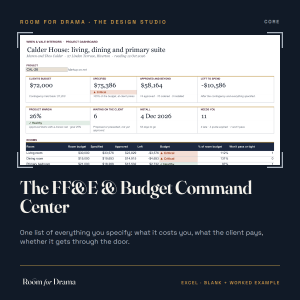
Inside: Studio Dashboard; E-Design Board; Project Dashboard; Settings; Projects; Rooms, with stage, turnaround and revision rounds; the FF&E Schedule, with stock, return window and commission; Presentations; Client Selections; Budget Summary; Shopping List; Measure Guide; Time Log; Invoices; Change Orders; Expenses; Leads; Project P&L; Fee Builder; Vendors; Method.
Everything here is inside the Studio OS, column for column.
What it cannot do
Commission is an estimate until the program pays it, and a retailer's return terms are the ones you recorded; the client's receipt is the authority. It is not accounting, and it does not send, order or sync anything.
Works in
Microsoft Excel 2019 or later, and Microsoft 365, on Windows or Mac. Tested in Excel for Windows. No macros, no add-ins, nothing online. Google Sheets and Numbers are not claimed until they have been tested.
See it first
Every picture on this page is a real page printed from the worked example, not a mock-up.
License, refunds and updates
License: one person, one practice. Use it on your own projects and your clients' projects as often as you like, and give clients the pages you print from it. Do not resell, redistribute or republish the blank workbook, share the files or access, or use them to train a model. Refunds: fourteen days, no reason required. Updates: corrected releases of this workbook stay available to you. Terms of Sale.
Version 1.0.0. Corrected releases stay available to you at no extra cost, and moving up to a larger edition never means typing a project in again.