Function and Flow
The Desk Should Face the Right Problem
Desk direction affects glare, distraction, privacy, camera views, door awareness, and circulation. Choose the orientation by the work problem you need to solve instead of automatically pushing the desk against a wall.
On this page
6
The desk should face the right problem. Sometimes that problem is glare. Sometimes it is the door. Sometimes it is concentration, privacy, a video call, the view, or the fact that the chair needs enough room to move without taking out a bookcase.
Desk placement is a negotiation among light, posture, sightline, circulation, equipment and the kind of work actually happening. There is no commandment about facing windows or walls.
There is no universal compass direction and no single correct wall. For most screen-based work the sensible starting test is the desk perpendicular to the main window, so daylight reaches the work without sitting directly in front of or behind the screen. Then adjust for glare, the door, chair clearance, video calls, storage reach, privacy, and distraction. The best direction is whichever removes the most repeated workday friction — and repeated is the operative word, because a nuisance you meet four times an hour eventually decides whether the room gets used at all.
The chair belongs in the same decision. Desk and chair are one operating system, not two shopping categories, and a great many disappointing home offices are a good desk and a good chair that were chosen separately.
Start with the work, not the furniture
Name what actually happens at the desk: focused writing, spreadsheets, drawing, calls, multiple monitors, craft, household administration, or the laptop that gets opened on a Sunday. Each of those changes the requirement for screen visibility, daylight, surface depth, privacy, storage, and movement.
A desk used two hours a week does not deserve the same spatial authority as a desk used forty hours. That sounds obvious and is ignored constantly, because a desk is an aspirational object and people furnish for the working life they meant to have.
Check the window relationship
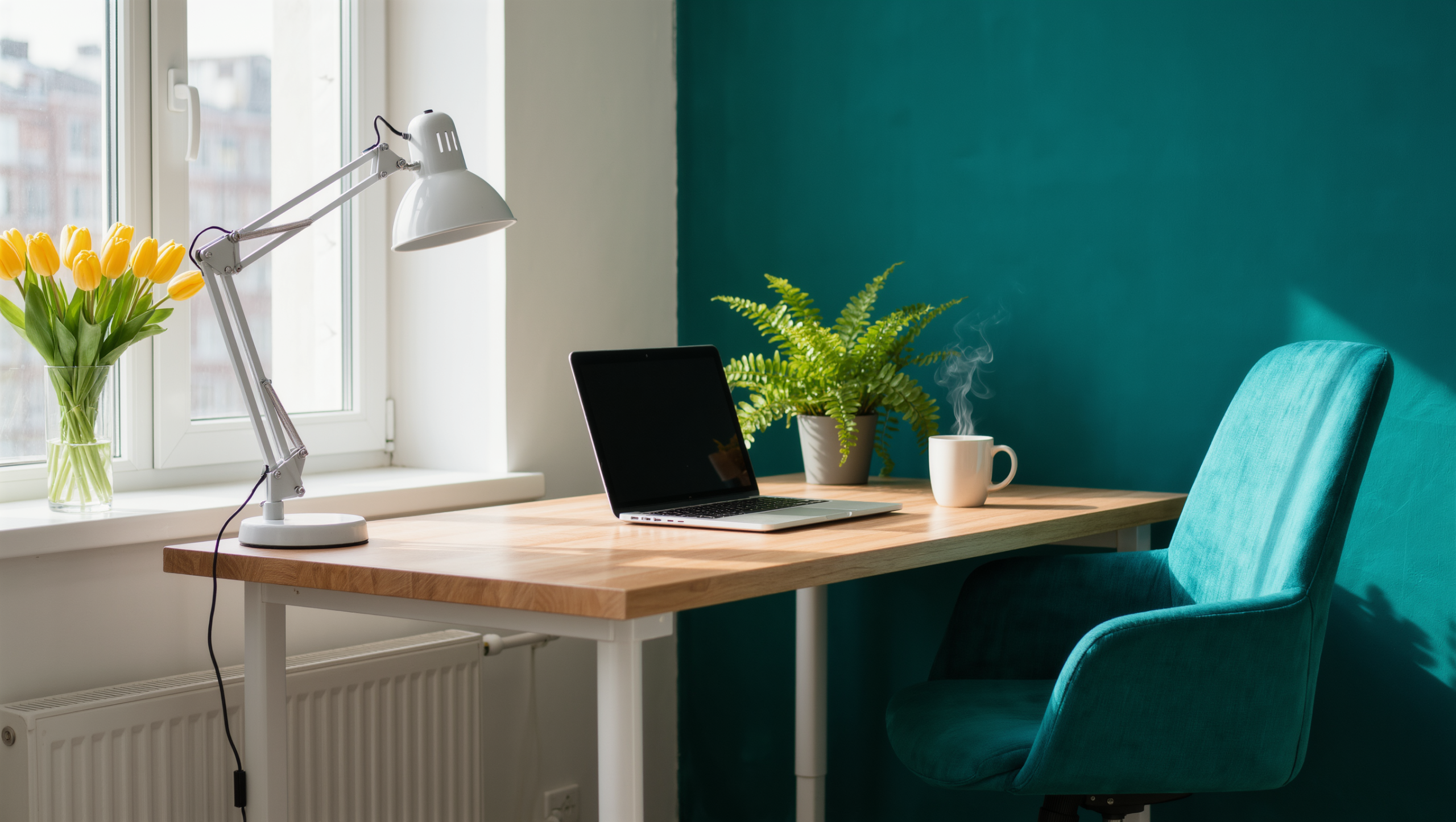
Facing a window supplies a view and creates screen glare. Sitting with your back to a bright window makes video calls difficult and puts reflections on the monitor. Sitting perpendicular to the window usually balances useful daylight against more controlled screen conditions.
Those are starting observations, not universal rules. Test the room at the actual hours of work, which for most households is not the hour anybody feels like rearranging furniture.
The door gets a vote as well, and it is a genuinely personal one. Some people concentrate better when they can see the entrance; others want fewer visual interruptions. What matters is not which camp you fall into but whether the position you chose produces repeated distraction, discomfort, or a route conflict.
Open the door fully and move the chair the way it moves during work. A desk that sits neatly on the floor plan can produce a daily collision the moment the chair rolls back, and a daily collision is not a design detail. It is something you will swear at for years.
The chair controls more room than its footprint suggests
An office chair moves, swivels, reclines, and needs space for the body to sit and stand. Its operating envelope can be larger than the desk’s.
Test the chair at working depth, reclined where relevant, and pulled back for standing. Check the nearby doors, storage, rugs, cords, and the path behind it. A beautiful desk position that leaves the chair nowhere to go is not a finished plan.
Then refuse to trade the chair away for appearances. Where work is frequent, the chair’s support, adjustability, seat height, arm position, and relationship to the desk matter more than whether it disappears into the room. Do not swap a supportive chair for a decorative one because the office shares space with a bedroom or a living room. Make the surrounding room visually strong enough that the work chair is not asked to masquerade as occasional seating — that is a job for color, curtains and light, not for your spine.
Monitor height, distance, angle, and glare should support a comfortable posture. The exact setup depends on the user’s body, equipment, and work.
If discomfort persists, ergonomic guidance from an appropriate professional may be more useful than another furniture rearrangement. There is a point past which moving the desk again has stopped being a solution and started being a way of avoiding a different conversation.
Surface and storage are the same question asked twice
A large desk makes sense for drawing, multiple screens, paper-heavy work, or equipment that genuinely needs the area. A compact work surface is plenty for a laptop and a notebook. Do not buy a large desk to manufacture the feeling of a serious office, because the extra surface will not stay empty. It becomes storage inside a month, and then it becomes storage you have to clear before you can start.
That is the real specification: enough surface for the task, plus enough clear space that work can begin without dealing with yesterday first.
Storage is the same problem turned sideways. Frequent files, notebooks, tools, and charging equipment should be reachable without crossing the room or turning the chair into a constant delivery vehicle. Low-use archives can live farther away — keep the prime zone for whatever supports the current workday rather than whatever was filed most recently. Use Storage and Working Zones if paper and equipment keep escaping the desk.
Underlighting the desk costs the whole room its evening
Daylight can handle the general illumination while a task lamp deals with detail. Position the lamp to reduce screen reflection and hand shadow. Do not brighten the whole room because the desk is underlit — that is how a shared room loses its entire evening to an office that stopped working at six. Use Lighting to separate work light from the rest of the room’s evening state.
Then settle the camera question before it settles itself. Even where calls are not the main job, desk orientation decides what the camera sees and how the face is lit, and a position that is excellent for concentration can be a terrible call background—or the reverse. Rank calls honestly against everything else the desk does. One hour of calls a week should not get to dictate where you sit for the other thirty-nine. Continue with Your Video-Call Background Is Part of the Room for that specific layer.
The ranking you end up with will surprise you
If the office shares a room, decide what the desk and chair look like once work stops. The chair may tuck fully under, park at an angle, or stay visible as a legitimate piece of work furniture. That last option is allowed — a good work chair standing honestly in a living room is better company than a bad one impersonating an armchair. Contain active paper, switch off the task light, and clear enough surface that the room stops broadcasting unfinished work at whoever is trying to spend an evening in it.
Before buying anything, run the orientations. Move the existing desk or mock its footprint with tape. Try one position that prioritizes daylight and one that prioritizes circulation or privacy. Work in each for several hours and note the glare, the body comfort, the chair movement, the distraction, the background, the power and the storage reach.
What comes out of that exercise is a ranking rather than a preference, and it is usually a surprise, because the constraint that turns out to govern the work is rarely the one that looked most important on the floor plan. Point the desk at whichever problem the room has just identified, and leave it there until the work changes.
Same problem, elsewhere in the house
Room notes
Keep the room on the record.
One useful note at a time: what to test, what to ignore, and what changed when the room got another vote.